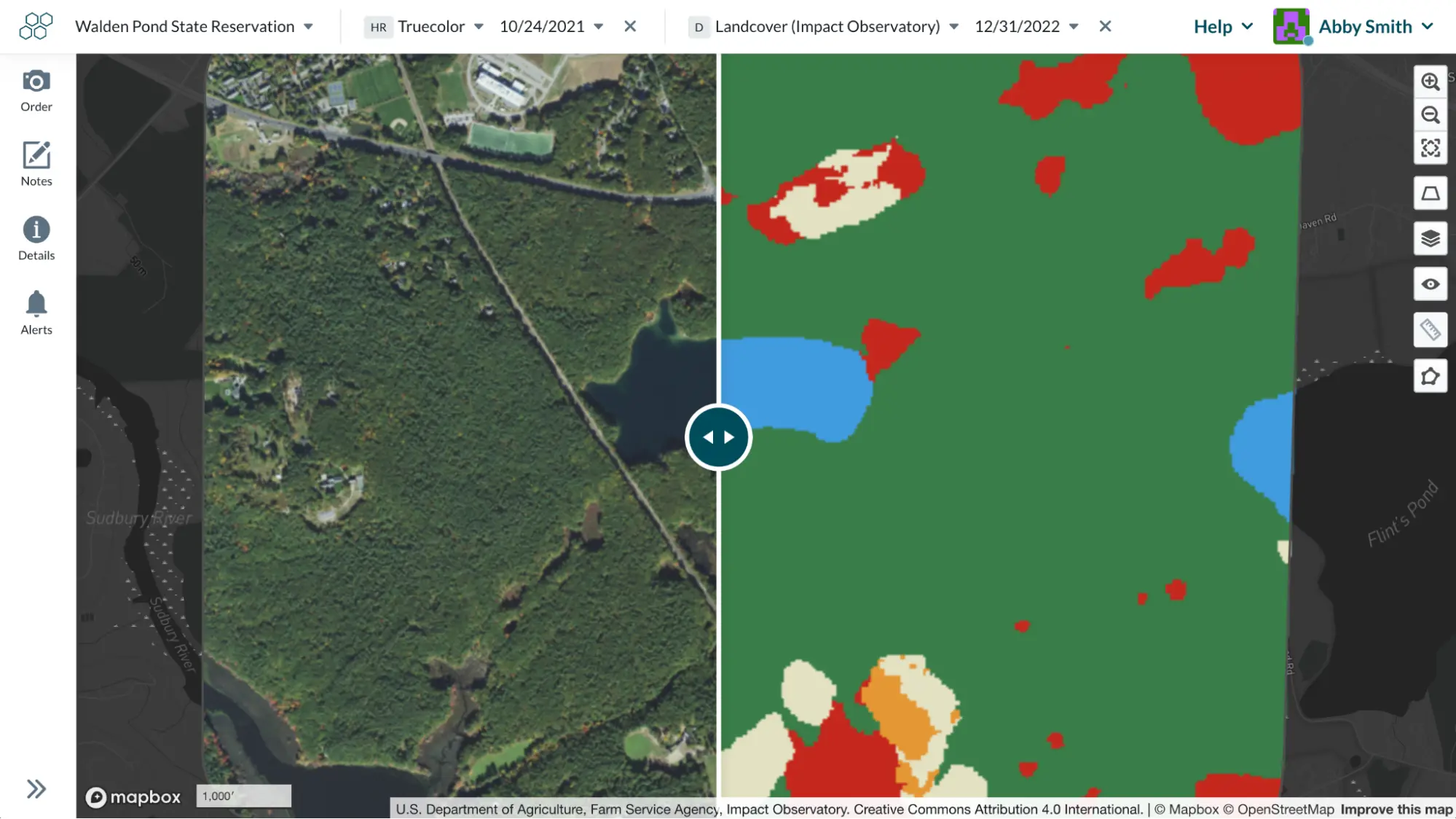
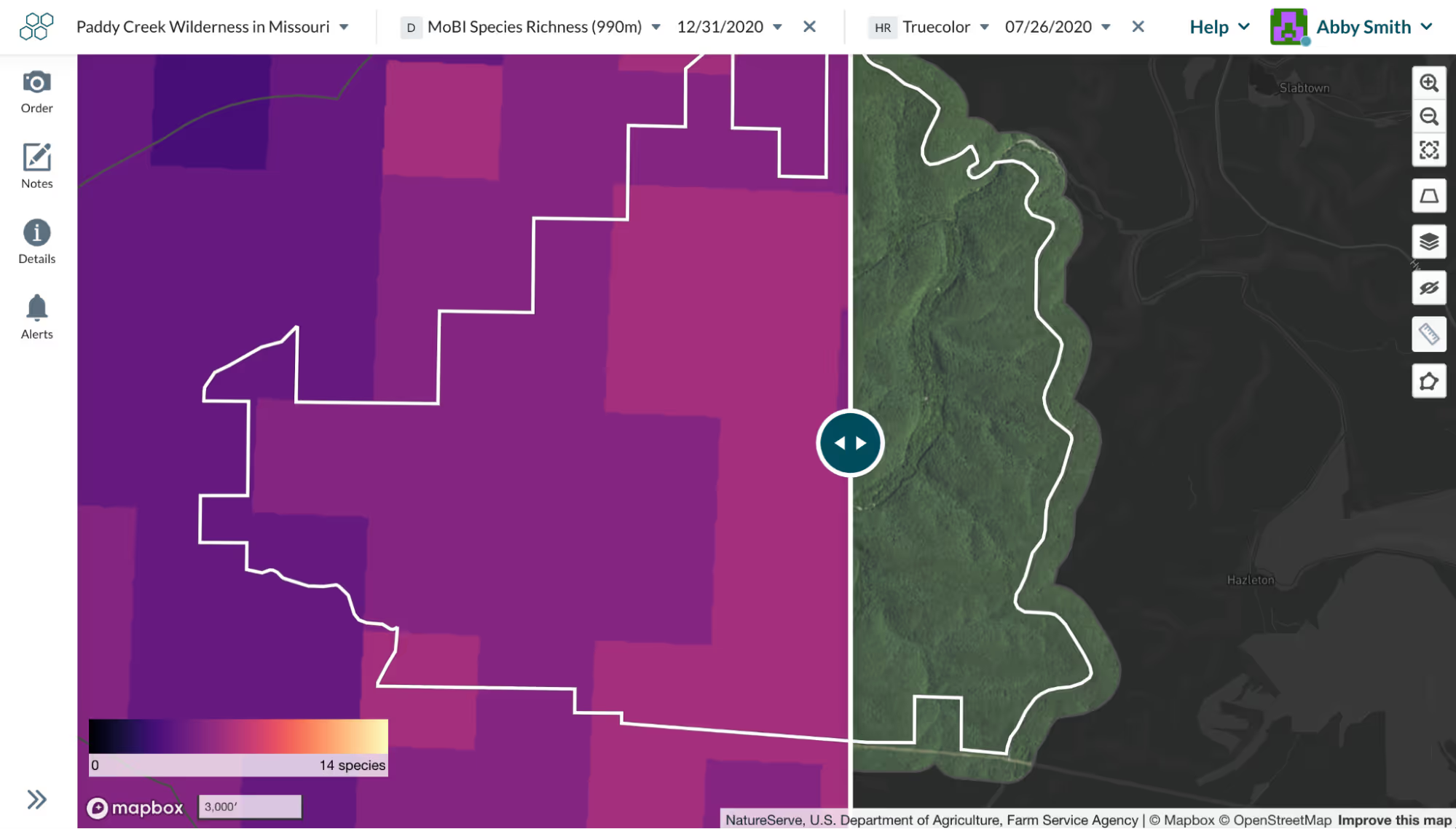
Compare mode in Lens has always been a powerful, visual way to identify changes over time - for example, comparing truecolor imagery from last year to this year to spot any expected issues. We’re excited to announce that compare mode can now support comparison of any two datasets in Lens. This means you can scroll between truecolor and index layers, land cover, false color, and more. By viewing satellite or aerial imagery side-by-side with sensor data or classification models, you can glean a clearer understanding of how different datasets could be used to supercharge your monitoring.
To enter compare mode from the map view, simply click the “+” button at the top bar. We’ll automatically default to the same layer at a different time step, but you can click the dropdown and choose another layer instead. The earlier data will be on the left side. And you can close out of either layer to go back to view mode.