Remote monitoring helps teams keep an eye on land from anywhere, but the review work can still add up. Inspecting imagery, identifying what has changed, and turning observations into notes can take time, especially when you’re responsible for monitoring many properties or large areas.
That’s why we’re excited to introduce the Lens agent, a new AI-supported way to review imagery and draft observations in Lens.
Current Lens users can now opt in to a free trial of Lens agent. The trial gives teams a guided way to try the agent at the individual property level using preset prompts.
Give the Lens agent a test drive
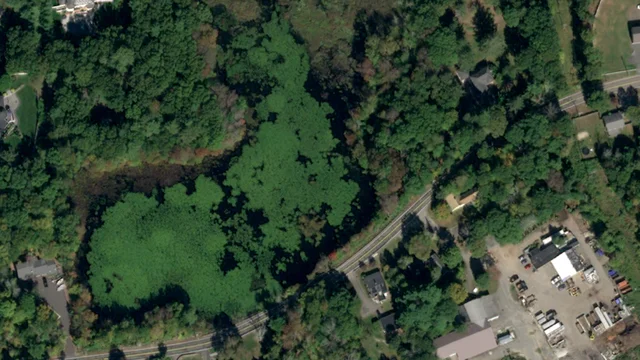
During the trial, the Lens agent uses preset prompts to review selected imagery on a property. When you run a prompt, the agent inspects the high-resolution image(s) you’ve selected and drafts observations for your team to review.
Preset prompts include:
- Describe what’s present in this scene
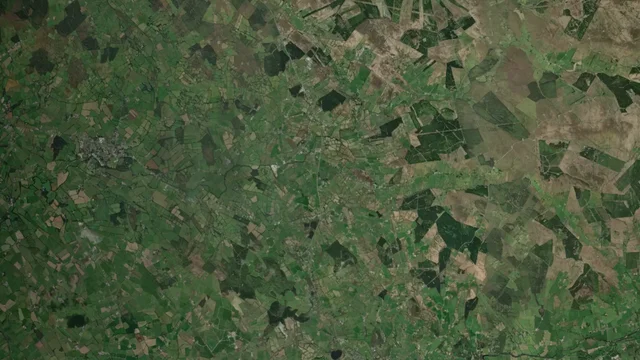
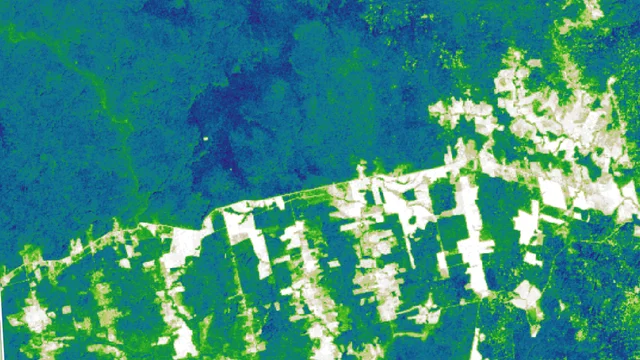
- Describe what’s changed between two scenes
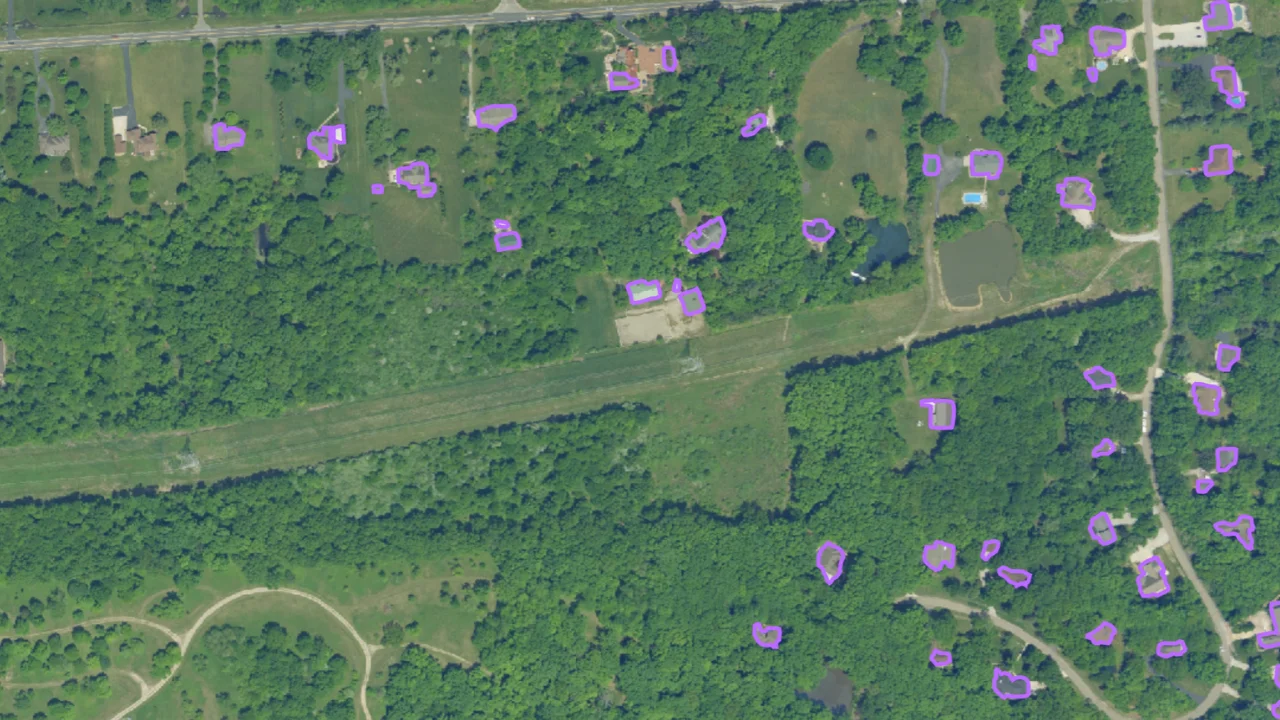
- Identify structures in this scene
- Identify structure changes between two scenes

Agent-generated observations are always drafts. Your team can review, edit, save, or dismiss them before they are added to a property.
How teams can use the agent
The Lens agent is designed to support your team’s expertise, not replace it. It helps make imagery review more efficient and thorough, especially when there are many places to monitor.
The agent can help you find meaningful change faster, prioritize areas that need closer review, identify structures or structure changes, look for signs of trespassing or new access paths, and generate first-draft observations for baseline reports or annual monitoring.
For teams in conservation, public land management, forestry, infrastructure, utilities, and beyond, the agent is designed to help make large-scale monitoring more manageable.
Beyond the trial: custom and scaled workflows
The trial is just the starting point. While the free trial is focused on preset prompts at the individual property level, the Lens agent can also be operationalized in more tailored ways for organizations with larger portfolios or more specialized monitoring needs.
This could include custom prompts, automated portfolio-wide analysis, managed monitoring support, or other ways to configure agent-powered review around your team’s goals.
Whether your team uses the agent directly in Lens or works with Upstream Tech to design a more automated workflow, the larger opportunity is consistent: to help your organization monitor land more efficiently, at the scale your work requires.
Curious what it looks like to hand off your monitoring to us? Learn more about managed monitoring →
See it in action
Tune into this session, “Meet the Lens agent: AI-supported monitoring in Lens” where we’ll walk through how the trial works, how to get started, what happens behind the scenes, and how this new technology can support your organization’s monitoring needs.