
We’re making it easier than ever before to share your impact with partners and stakeholders. With the new Share Link in Lens, you can provide an interactive link to a single property with anyone, regardless of whether they have a Lens account.
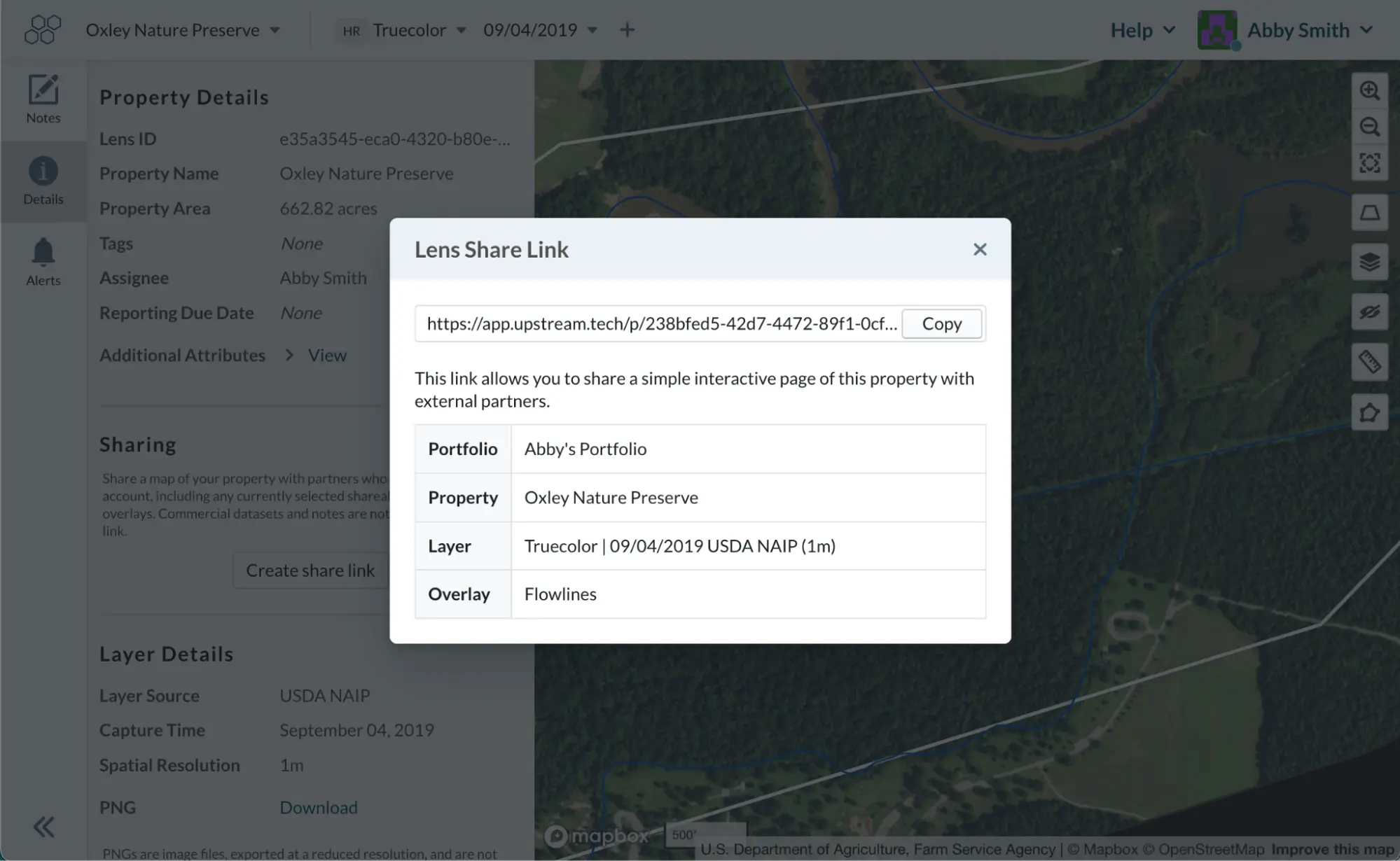
When viewing a property, simply select imagery or datasets that are sharable, open the Details pane on the left, and copy the share link. You can then send it along to partners, landowners, consultants, investors, followers, and more.
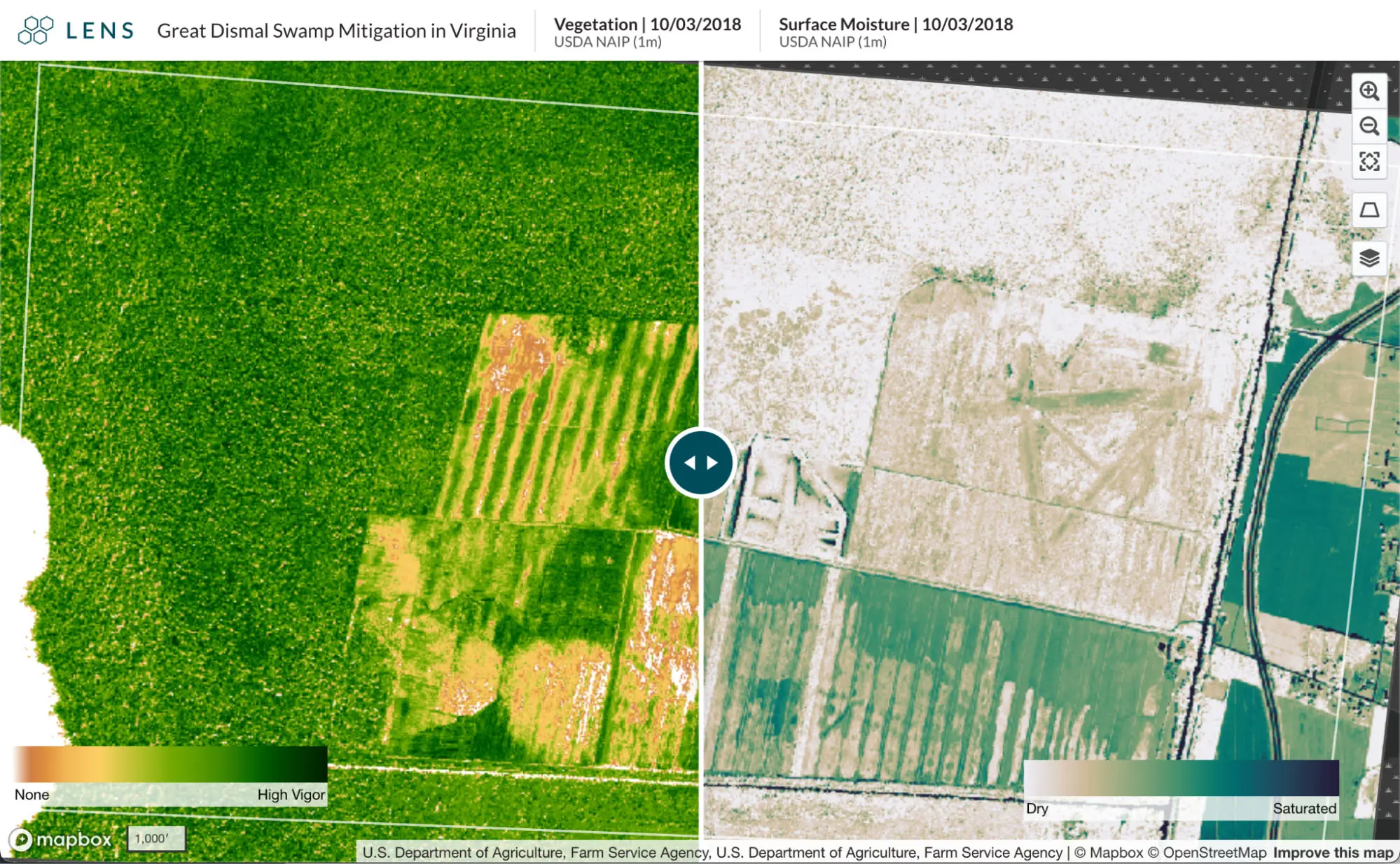
Share links created in compare mode include the compare slider, property name, source attribution, and map controls. Notes are not included and commercial datasets, such as high-resolution imagery purchased through Lens, cannot currently be used in Share Links due to licensing restrictions.
Below are a few examples:
- Wetland restoration showing progress over the last two decades
- Protected area comparing truecolor and near infrared data with flowlines overlay
- Salt ponds showing surface moisture and truecolor data
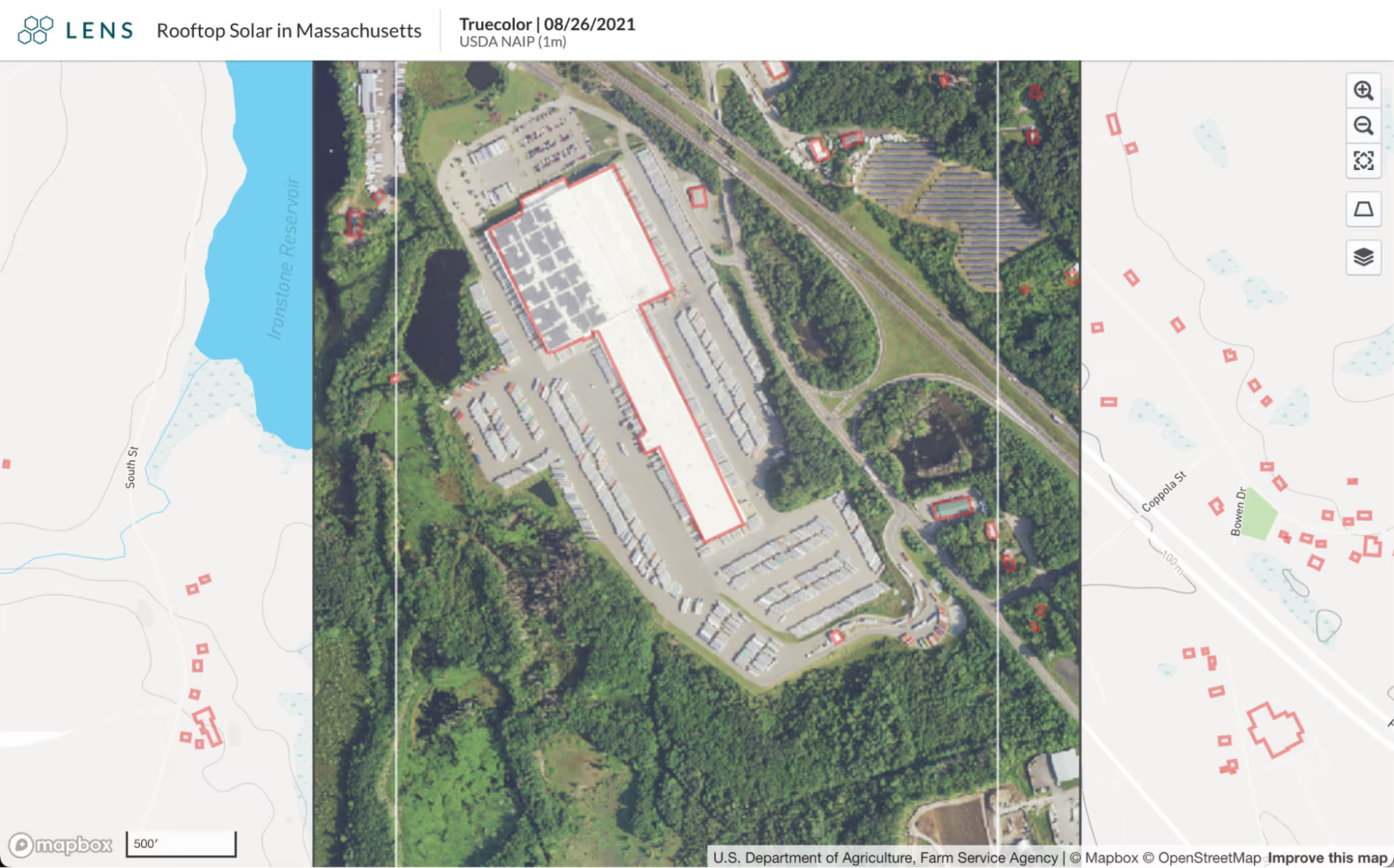
- Rooftop solar with building footprints overlay
- Forest fire area comparing the new burn index dataset and truecolor imagery
- Logging activity with NAIP imagery
- Forest loss and burn index in compare mode, illustrating where burn correlates with forest loss
Transparency is essential for knowledge-sharing and trust, and we’re excited to make it easier than ever before to share your story using Lens.
We're excited to see what you share!


