Lens makes it easy to turn geospatial data into compelling impact stories by aggregating leading datasets from a range of sources into the Lens Library and providing tools that assist communications efforts at every step of the way. Whether you’re integrating imagery into GIS software, downloading high-quality image files, or sharing insights with stakeholders, Lens offers many ways to export, integrate, and share data.
Streaming: Bring Lens imagery directly into GIS
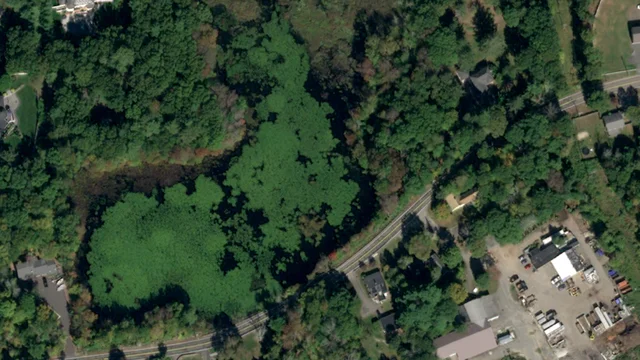
Lens offers seamless image streaming via WMTS and XYZ links. These industry-standard protocols allow you to view ordered imagery in your GIS software without manually downloading files. With just a few clicks, you can integrate Lens imagery into QGIS, ArcPro, ArcGIS Online, or other tools like Landscape, ensuring you have high-quality, up-to-date basemaps for conservation planning, monitoring, and map-making.
Lens streaming is available on Standard and Enterprise plans.

Downloading: Store and analyze Lens imagery offline
Need to keep a local copy of your imagery? Lens provides multiple download options tailored to different use cases.
- PNG files are ideal for sharing with landowners and stakeholders, like a simple map of your property with any imagery and data you choose.

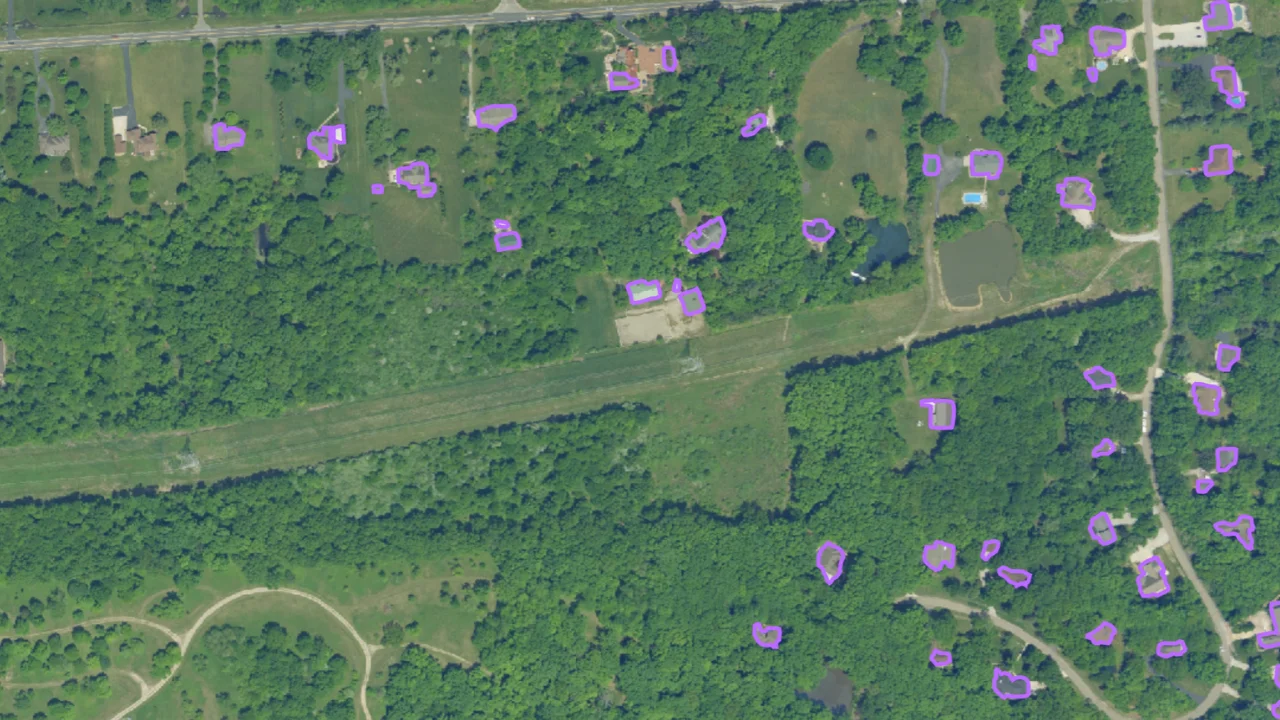
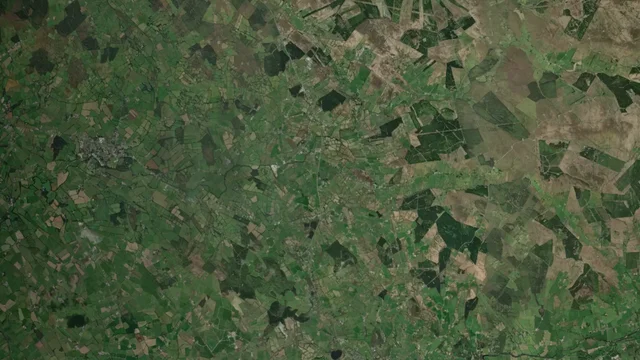
- GeoTIFF files are the go-to format for GIS applications, since GeoTIFFs retain georeferencing information and are compatible with ArcGIS, QGIS, and other geospatial software. We just started offering GeoTIFF downloads of public imagery from USDA NAIP and Sentinel-2 layers, allowing users to efficiently download just the data they need for their area of interest.
Reporting: Generate quick visuals and narratives
Lens helps you create compelling, data-rich reports with minimal effort. Our built-in tools make it easy to analyze and communicate findings with stakeholders. PDF reports can be shared with internal and external partners alike.

Sharing: Engage stakeholders with interactive maps and geospatial storytelling
With Lens, communicating your impact has never been easier with simple features for sharing data and telling geospatial stories. Visual storytelling that features satellite and aerial data can transform analysis into accessible and compelling narratives. Whether you’re simply sending data to a team member or sharing projects results with a public audience, Lens offers two simple ways to share geospatial insights:
- Share Links: Generate a direct link to a property’s imagery and data—no Lens account required for viewing. Creating Share Links is now easier than ever—users can generate them directly from a Note in Lens, with the option to include a description, chart, or attachments. Here's an example of a Share Link action!
- Lens Map Embeds: Seamlessly integrate an interactive Lens map into a website, blog post, or report using HTML embed code. Check out the Map Embed below!
These options make it simple to provide transparency and showcase your impact to partners, funders, and the public. No matter how you work, Lens ensures that your data is accessible, flexible, and ready to be put to use. From integrating with GIS to sharing reports and insights, we’ve got you covered. And for organizations looking to further streamline workflows, our Enterprise options—including API integrations—offer even more ways to connect Lens with your existing tools and processes.
Ready to try these features? Reach out to our team or log into Lens today!